Hello, and welcome. As a Senior Security Solutions Expert, I’ve seen firsthand the incredible peace of mind a home security camera can bring. It’s like having an extra set of eyes on your property, whether you’re at work or on vacation. But let’s talk about something that worries many people: the risk of that digital eye being turned against you. Learning How To Secure Home Camera From Hackers isn’t just a technical task for IT pros; it’s a fundamental step for every homeowner who values their privacy and safety. The good news? It’s easier than you think. In this guide, we’ll walk through simple, effective steps to turn your security camera from a potential vulnerability into a digital fortress.
Understanding the nuts and bolts of your camera’s security is just as important as knowing where to place it. For instance, keeping your device’s software current is non-negotiable. To get a deeper insight into this specific process, you might find it useful to understand how to update home camera firmware, as it’s one of the most effective shields against new threats.
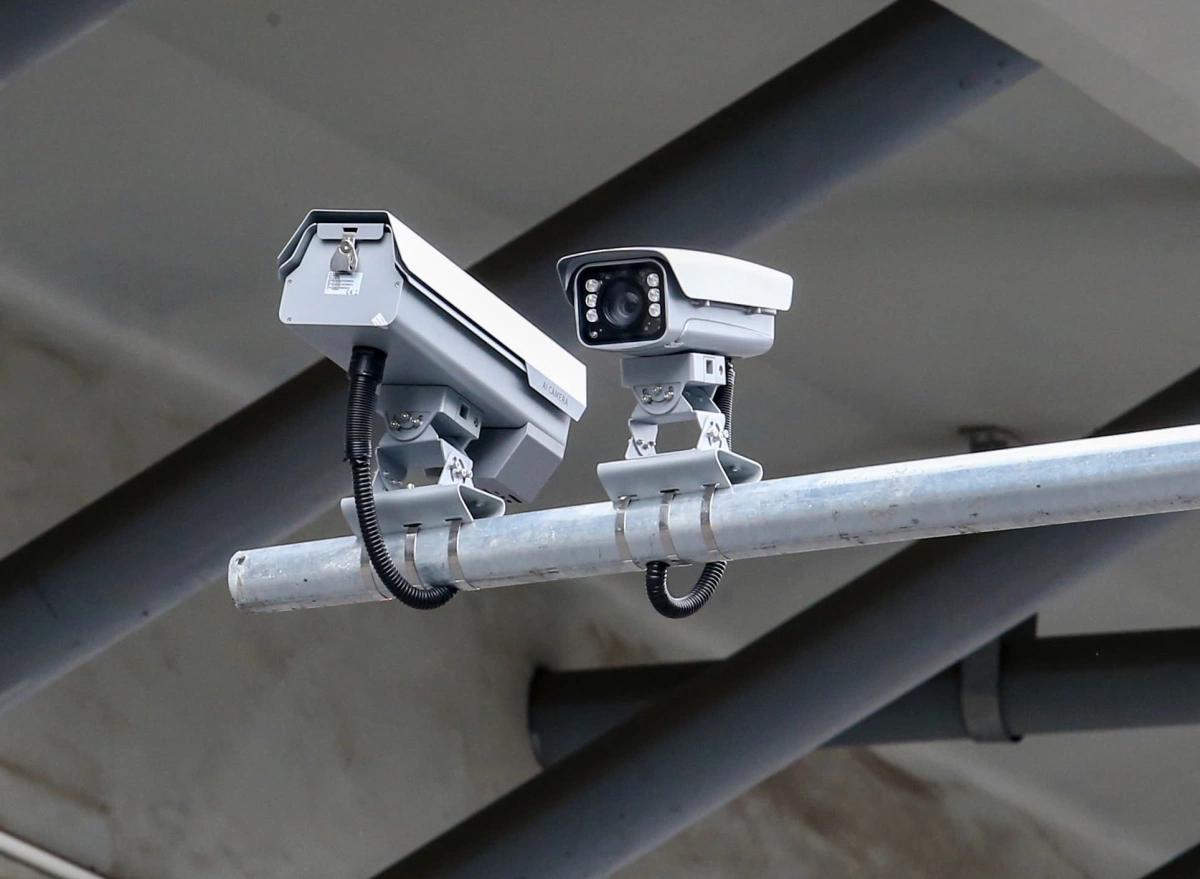
Why Bother? The Real Risks of an Unsecured Camera
You might be thinking, “Why would anyone want to hack my camera?” It’s a fair question. Hackers aren’t always targeting specific individuals. Often, they use automated software to scan for thousands of vulnerable devices at once. The risks are very real and go beyond simple mischief.
- Invasion of Privacy: This is the most obvious and chilling risk. Hackers can gain access to a live feed of your home, watching your family’s most private moments.
- Information Gathering for Burglary: Criminals can use your own camera to learn your daily routines, identify when you’re not home, and spot valuables.
- Blackmail and Extortion: Malicious actors could record compromising footage and use it to extort money from you.
- Gateway to Your Network: An unsecured camera can be a weak link, providing hackers a backdoor into your entire home Wi-Fi network, potentially compromising other devices like laptops and phones.
Securing your camera isn’t about paranoia; it’s about smart, proactive home management. You lock your doors and windows, right? Think of these digital steps as locking the digital door to your home.
Your First Line of Defense: The Unhackable Password
If there’s one thing you take away from this guide, let it be this: your password is the front door key to your camera. Most camera hacks happen not because of a sophisticated cyberattack, but because of a weak or default password.
Change the Default Credentials Immediately
When you unbox a new camera, it comes with a default username and password (like “admin” and “password” or “12345”). These are public knowledge. Hackers have lists of these default credentials and use bots to constantly scan for devices that are still using them.
- Log In: Use the default username and password provided in the manual to access your camera’s settings, usually through an app or a web browser.
- Navigate: Find the “Security,” “User,” or “System” settings menu.
- Change It: Create a new, strong password. Don’t just change the password; change the username too if the camera allows it. “admin” is the first thing a hacker will try.
Create a Strong, Unique Password
What makes a password strong?
- Length: Aim for at least 12-15 characters. The longer, the better.
- Complexity: Use a mix of uppercase letters, lowercase letters, numbers, and symbols.
- Uniqueness: Do not reuse a password from your email, social media, or bank account. If one account is compromised, they all are.
Expert Tip: Think of a memorable sentence and turn it into a password. For example, “My dog Max loves to chase red balls!” could become
MdM12tcRb!. It’s long, complex, and easy for you to remember but incredibly difficult for a machine to guess.
Enable Two-Factor Authentication (2FA): Your Digital Bouncer
Think of Two-Factor Authentication, or 2FA, as a bouncer at a club. Even if someone has a ticket (your password), the bouncer still needs to check their ID before letting them in. It’s a second layer of security that makes a world of difference.
When 2FA is enabled, after you enter your password, the system will ask for a second piece of information. This is usually:
- A code sent to your phone via SMS.
- A code generated by an authenticator app (like Google Authenticator or Authy).
- A tap on a push notification sent to your smartphone.
Even if a hacker steals your password, they can’t log in without physical access to your phone. Most reputable camera brands now offer 2FA. Turn it on. No excuses.
How to Secure Home Camera From Hackers at the Network Level
Your camera doesn’t exist in a vacuum; it lives on your home’s Wi-Fi network. Securing the network itself is a critical part of the puzzle.
Secure Your Home Wi-Fi
Your router is the gateway to all your connected devices. Make sure it’s locked down tight.
- Strong Router Password: Just like your camera, your router has an admin password. Change it from the default.
- Use WPA3 or WPA2 Encryption: In your router’s settings, make sure the security protocol is set to WPA3 (the newest standard) or WPA2 at a minimum. Avoid the older, less secure WEP standard at all costs.
- Change Your Wi-Fi Password: Choose a strong, unique password for the Wi-Fi network itself—the one you use to connect your devices.
Create a Guest Network for Your IoT Devices
This is a slightly more advanced but highly effective strategy. Most modern routers allow you to create a “guest” Wi-Fi network. This network provides internet access but is isolated from your main network where your personal computers and phones reside.
By connecting your security camera and other smart home gadgets (smart speakers, lightbulbs, etc.) to the guest network, you create a digital quarantine. If one of those devices is ever compromised, the hacker will be trapped on the guest network, unable to access your sensitive personal files on your laptop.
Keep Your Camera’s Firmware Updated
Firmware is the built-in software that makes your camera run. Manufacturers regularly release updates to patch security vulnerabilities that hackers discover. Ignoring these updates is like leaving a window open after the manufacturer has sent you a new, stronger lock for it.
Most modern cameras will notify you in the app when an update is available. Don’t dismiss these notifications. Install them promptly. If you’re unsure, you can usually check for updates manually within the camera’s settings menu.
A Quick Security Checklist
Feeling a bit overwhelmed? Don’t be. Here’s a simple checklist to run through to ensure your camera is secure.
- [ ] Have I changed the camera’s default username and password?
- [ ] Is my new password at least 12 characters long and complex?
- [ ] Have I enabled Two-Factor Authentication (2FA)?
- [ ] Is my home Wi-Fi network using WPA2 or WPA3 encryption?
- [ ] Have I changed the default admin password on my Wi-Fi router?
- [ ] Is my camera’s firmware up to date?
- [ ] Am I using a reputable camera brand that prioritizes security?
Frequently Asked Questions
Can hackers access my camera if it’s not connected to the internet?
No. If a camera is truly offline and only records to a local storage device like an SD card, a hacker cannot access it remotely over the internet. The risk arises the moment you connect it to your Wi-Fi network for remote viewing.
How do I know if my camera has been hacked?
Telltale signs include the camera moving on its own (if it’s a PTZ camera), hearing strange voices coming from the speaker, settings changing without your input, or seeing the LED light turn on when you aren’t viewing the feed. Also, check your account’s login history for any unfamiliar locations or devices.
Is it safer to use a wired or wireless camera?
A wired (PoE) camera can be slightly more secure as it’s not susceptible to Wi-Fi hacking. However, a properly secured wireless camera on a secured Wi-Fi network is very safe. The biggest vulnerabilities, like weak passwords, apply to both types.
Should I turn off my camera when I’m home?
This is a personal choice. Many cameras have a “Home” or “Privacy” mode that turns off recording and live viewing when you’re home, which can be enabled automatically based on your phone’s location. This is a great way to protect your privacy without sacrificing security when you’re away.
Does using cloud storage make my camera more or less secure?
It depends on the provider. A reputable brand with encrypted cloud storage is generally very secure—often more secure than a local storage device that could be stolen during a break-in. The key is to choose a provider that takes encryption and account security seriously.
Your Peace of Mind is Worth It
Your home security camera is a powerful tool to protect what matters most. But like any tool, it needs to be handled correctly. By taking these straightforward and manageable steps, you’re not just installing a piece of technology; you’re building a comprehensive security system for your family. By following this guide on how to secure home camera from hackers, you are taking back control and ensuring your digital watchdog works for you, and only you. Your peace of mind is priceless, and these practices will help you keep it that way.