When looking to buy a home camera at Walmart, consumers can find a variety of options including indoor, outdoor, wired, and wire-free models, with essential features like 1080p video resolution, night vision, and motion detection being key considerations for effective home security. Walmart offers accessible security solutions from brands like Wyze, Blink, and Merkury Innovations, providing peace of mind through surveillance and smart home integration.
Why Do You Really Need a Home Camera?
A home camera is a crucial tool for connection and protection, offering several benefits:
- The Porch Pirate Problem: A camera acts as a deterrent and provides essential evidence if packages are stolen.
- Your Furry Friends: Indoor cameras allow you to check on pets, offering two-way audio to interact with them remotely.
- The Kids Are Alright: Receive notifications when children arrive home from school, ensuring their safety without constant texting.
- Deterring the Unthinkable: The visible presence of an outdoor security camera can deter potential intruders, acting as a silent, 24/7 guardian.
A home camera transforms anxiety into assurance by keeping you aware of what’s happening at home, even when you’re away.
Navigating the Aisles: Types of Home Cameras
When you’re ready to buy a home camera at Walmart, you’ll generally find a few key types. Understanding the difference is the first step to making a smart choice.
Indoor Cameras
These cameras are designed for monitoring specific indoor areas like living rooms, nurseries, or hallways. They are typically smaller, less obtrusive, and often include features such as two-way audio and pan-and-tilt capabilities for remote viewing control.
Outdoor Cameras
Outdoor cameras are built to withstand various weather conditions, serving as your primary line of defense. They require weather resistance (look for an IP rating of IP65 or higher) and typically feature powerful night vision and a wide field of view to cover areas like driveways, backyards, and entry points.
Wire-Free vs. Wired Cameras
This is a significant decision point:
- Wire-Free: These cameras operate on rechargeable batteries and connect via Wi-Fi.
- Pros: Installation is easy and flexible, requiring no drilling for power cables.
- Cons: Batteries need periodic recharging, typically every few months depending on usage.
- Wired: These cameras plug into a standard power outlet.
- Pros: They offer continuous power, eliminating concerns about battery life.
- Cons: Installation is limited by outlet locations, and visible cords may be an issue.
Must-Have Features to Look For
Once you know the type of camera you need, focus on these essential features:
- Video Resolution: A minimum of 1080p (Full HD) is recommended for clear detail. 2K or 4K offers better quality but uses more bandwidth and storage.
- Night Vision: This is crucial. Most cameras use infrared (IR) LEDs for black-and-white night vision, while some advanced models provide color night vision using ambient light or spotlights.
- Field of View (FOV): This measures the camera’s viewing angle in degrees. For large areas like a backyard, aim for a FOV of 130 degrees or more.
- Two-Way Audio: A built-in microphone and speaker allow you to hear and speak through the camera, useful for communicating with delivery drivers or deterring intruders.
- Motion Detection & Smart Alerts: Cameras should alert you to important events. Look for basic motion detection or advanced AI detection that differentiates between people, vehicles, and swaying branches to reduce false alarms.
- Storage Options: Consider where your video clips will be stored:
- Local Storage: A microSD card slot allows direct storage on the device, a one-time cost without monthly fees.
- Cloud Storage: Videos are uploaded to secure manufacturer servers, offering protection against theft but usually requiring a monthly subscription. Many brands provide a free basic plan or trial.
How to Install Your New Camera: A Simple Step-by-Step Guide
Setting up your new camera is straightforward.
- Pick the Perfect Spot: For outdoor cameras, mount them 8-10 feet high and angle them to cover entry points. For indoor cameras, a high shelf in a room corner provides an excellent vantage point.
- Power It Up: Plug in wired cameras. For wire-free models, ensure the battery is fully charged before mounting.
- Download the App: Install the camera’s companion app from the Apple App Store or Google Play Store on your smartphone.
- Connect to Wi-Fi: Follow the in-app instructions, which typically involve creating an account and scanning a QR code with the camera to link it to your home’s Wi-Fi network. Ensure you have your Wi-Fi password ready.
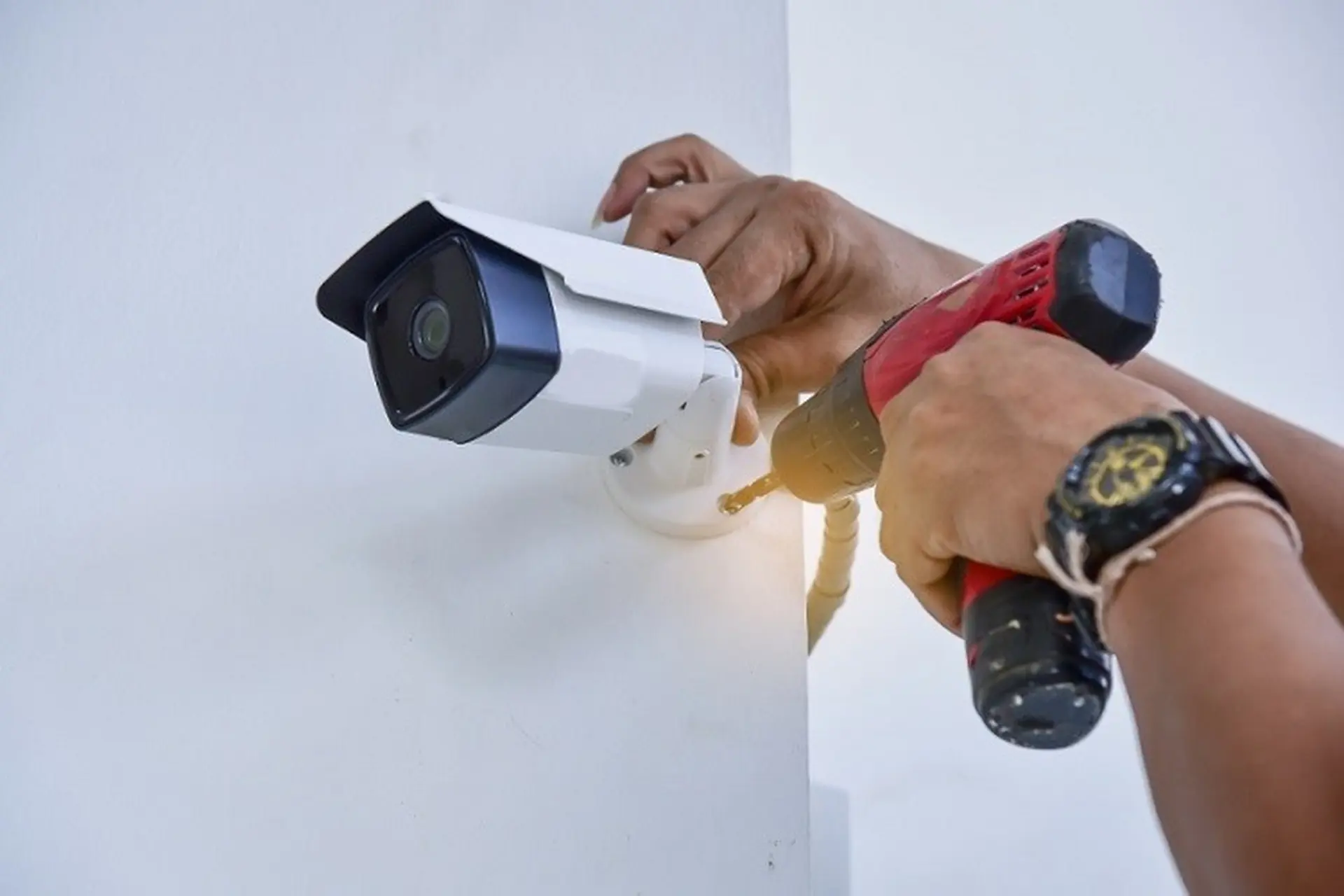
- Mount and Adjust: Securely mount the camera using the provided hardware. Use the live view in the app to fine-tune the angle for optimal coverage.
The Privacy Talk: Securing Your Security Camera
Ensuring your camera’s security is as vital as protecting your home.
“Your smart camera is only as secure as the network it’s connected to and the password you use to protect it. Always use a strong, unique password for your camera’s account and enable two-factor authentication. It’s the digital equivalent of a deadbolt on your front door.”
— Dr. Evelyn Reed, Cybersecurity Analyst
Here’s a quick checklist:
- Use a Strong Password: Create a long, random mix of letters, numbers, and symbols for your camera’s account.
- Enable Two-Factor Authentication (2FA): This adds an extra layer of security by requiring a code sent to your phone for new device logins.
- Keep Firmware Updated: Regularly install manufacturer updates via the app to patch security vulnerabilities.
- Secure Your Wi-Fi: Ensure your home Wi-Fi network is protected with a strong password.
Making It Smart: Integrating with Your Smart Home
Many modern home cameras integrate with smart home ecosystems like Amazon Alexa and Google Assistant. This allows for convenient voice commands, such as “Alexa, show me the front door camera” to view a live feed on compatible devices. When you buy a home camera at Walmart, check for compatibility with your existing smart home system.
Frequently Asked Questions
Q: Do I need to pay a monthly subscription for my camera?
A: Not always. Many cameras offer free features like live streaming and motion alerts. A subscription is typically required for advanced features such as cloud video storage, extended recording history, and sophisticated AI detection (e.g., package or person detection).
Q: Can I view the camera footage from anywhere?
A: Yes, you can. As long as both your camera and smartphone have an active internet connection, you can access live feeds and recordings globally through the companion app.
Q: Are the cheaper cameras at Walmart any good?
A: Absolutely. Brands like Wyze, Blink, and Merkury Innovations (a Walmart brand) offer excellent value. While they may lack some premium features, they provide reliable 1080p video, motion alerts, and effective security for most homes.
Q: How far can a security camera see at night?
A: Most home security cameras have an effective night vision range of 25 to 50 feet. Some specialized outdoor models can extend this range up to 100 feet. Always check the product specifications for precise details.
Q: Does constant recording drain my internet bandwidth?
A: Most smart cameras are motion-activated, meaning they only record and upload video clips when movement is detected. This significantly reduces internet bandwidth usage compared to systems that record 24/7.
Your First Step to a More Secure Home
Choosing the right security camera doesn’t have to be a complicated technical challenge. It’s about understanding your own needs and matching them with the right features. By focusing on video quality, reliable alerts, and secure storage, you can find a fantastic device that fits your budget. The peace of mind that comes from knowing your home is protected is an investment that always pays off. Now you have the expert knowledge you need to confidently buy a home camera at Walmart and take that first important step towards a safer, smarter home.
Frequently Asked Questions
Do I need to pay a monthly subscription for my home security camera?
Not always. Many home cameras offer free features such as live streaming and basic motion alerts. A monthly subscription is typically required for advanced functionalities like cloud video storage, extended recording history, and sophisticated AI detection, such as distinguishing between people and packages.
Can I view my home security camera footage from anywhere in the world?
Yes, you can. As long as both your home security camera and your smartphone have an active internet connection, you can access live feeds and recorded footage from anywhere globally through the camera's dedicated companion app.
Are the more affordable home security cameras available at Walmart reliable?
Absolutely. Brands like Wyze, Blink, and Merkury Innovations, which is a Walmart brand, offer excellent value. While they might not have all the premium features of more expensive models, they reliably provide 1080p video quality, motion alerts, and effective security for most average homes.
What is the typical night vision range for a home security camera?
Most home security cameras have an effective night vision range of 25 to 50 feet using infrared (IR) LEDs. Some specialized outdoor models can extend this range up to 100 feet. Always check the product specifications for the exact night vision capabilities of a particular model.
Does continuous recording significantly consume my home internet bandwidth?
Most smart home cameras do not record continuously. They are typically motion-activated, meaning they only record and upload video clips when they detect movement. This design significantly reduces the impact on your internet bandwidth compared to systems that record 24/7.
How to Install Your New Home Security Camera
Follow these simple steps to set up and install your new home security camera for optimal performance and peace of mind.
For outdoor cameras, mount them 8-10 feet high to be out of easy reach and angle them down to cover entry points effectively. For indoor cameras, a corner of the room on a high shelf provides an excellent vantage point for broad coverage.
If you have a wired camera, simply plug it into a standard power outlet. For wire-free cameras, ensure the battery is fully charged before you proceed with mounting the device.
Every smart camera requires a companion app for your smartphone. Locate and download the correct app from the Apple App Store or Google Play Store to begin the setup process.
Follow the in-app instructions to connect your camera to your home's Wi-Fi network. This usually involves creating an account and scanning a QR code with the camera. Make sure you have your Wi-Fi password readily available.
Securely mount the camera using the included hardware. Use the live view feature within the app to adjust the camera's angle until you achieve the perfect view and coverage area.
Smart home that does not lock you in
Free PDF — protocol compatibility matrix for 30 hubs and devices.
I’ve been using a Wyze camera for a few months now, mainly to keep an eye on my dog when I’m at work. The two-way audio feature is a game-changer; I can actually talk to him and calm him down if he’s barking. The 1080p video resolution is clear enough for my needs, and it was a really affordable option from Walmart. Definitely gives me peace of mind.
I bought a Merkury Innovations camera from Walmart after reading about the different types. It’s okay for the price, but I’ve had some issues with the night vision. It’s not as clear as I hoped, especially in really dark areas of my yard. It does the job for basic surveillance, but I might upgrade to something with better low-light performance next time.
I was really on the fence about getting a home camera, but the mention of the ‘porch pirate problem’ in the post hit home. I’ve had a few packages go missing lately. I ended up picking up a Blink camera from Walmart, and it was super easy to set up. The motion detection works great, and I feel a lot better knowing my deliveries are being watched.
As a mom, knowing ‘the kids are alright’ when they get home from school is huge for me. I got an indoor camera that integrates with my smart home system, and I get notifications the second they walk through the door. It’s been incredibly helpful and takes a lot of stress out of my day. Walmart had a good selection of wire-free models too, which was a plus.